


Creating a Spoke Cluster
Method 1 (Recommended): Import with Hub Connection
Steps
- Go to Import Cluster like before and do the necessary steps
- Select an existing hub cluster before importing
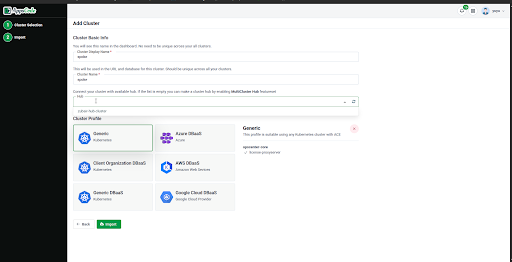
- Complete import
✅ Spoke cluster is created and linked
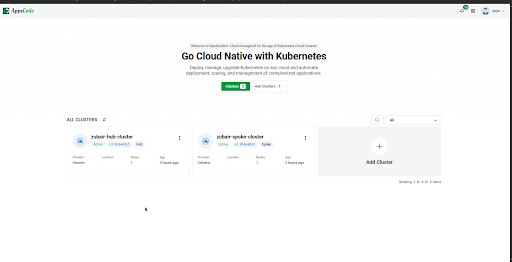
This method can be started from Hub cluster as well
- Go to Hub → Cluster List
- Click Import Managed Cluster
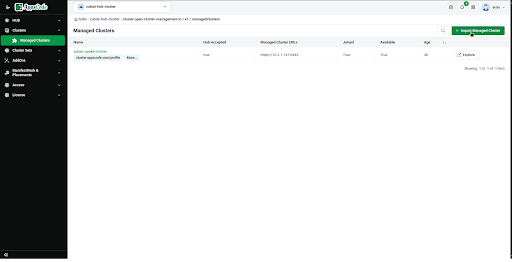
- Follow import steps
✅ Hub auto-selected during import
Method 2: Enable OCM Spoke Feature
- Go to cluster → Feature Set
- Enable OCM Spoke (initially your features will be white leveled)
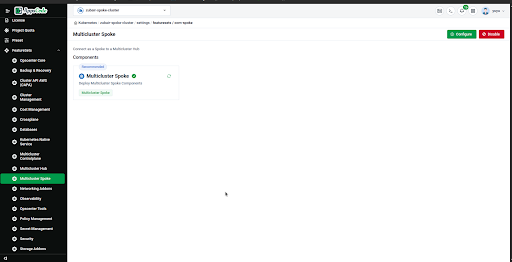
- Select Hub Cluster
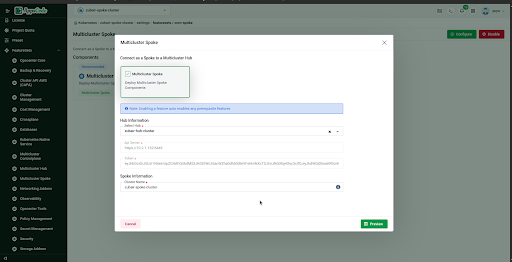
- Provide a name
- Enable
Then:
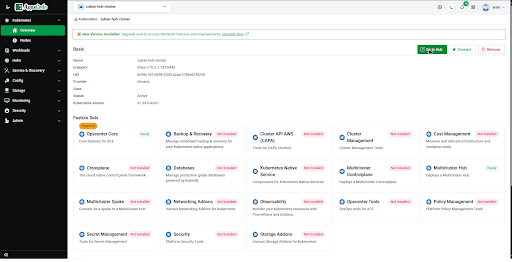
- Enter into your hub cluster then Click Go to Hub
- Click Accept Spoke The select the spoke from which the connection request was sent before
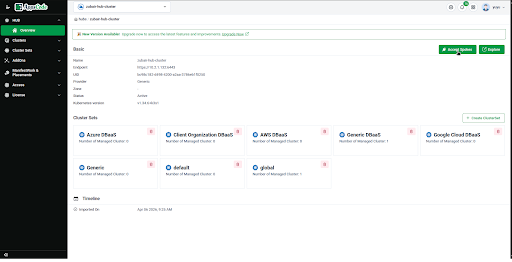
- Approve the request
✅ Cluster becomes a managed spoke