


Creating a Hub Cluster
⚠️ Recommended: Use an organizational account for full functionality
Steps
- Go to import cluster and choose your preferred method
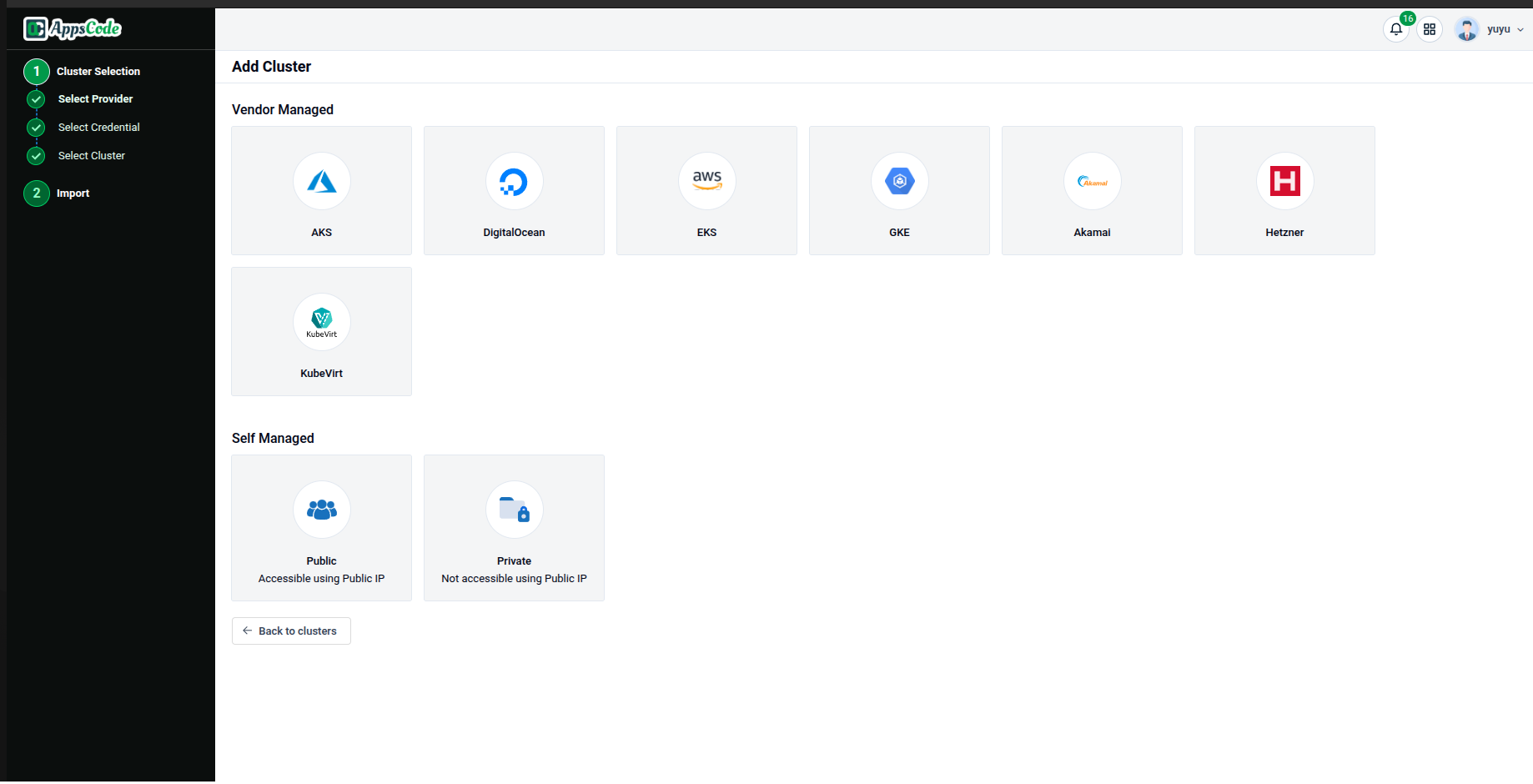
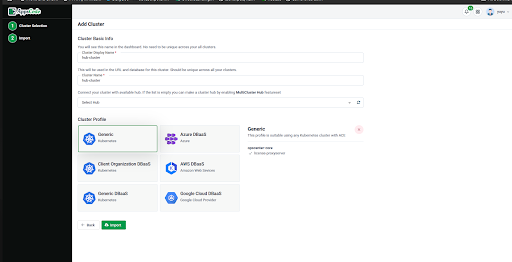
- After filling up necessary steps for your preferred method Choose Generic as cluster profile
- Open Cluster Details
You won't see the hub UI button initially
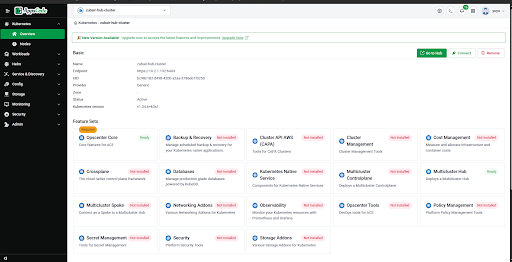
- Go to Feature Set Settings
- Select OCM Hub Feature Set
All the features will be white leveled if you are enabling it for the first time.
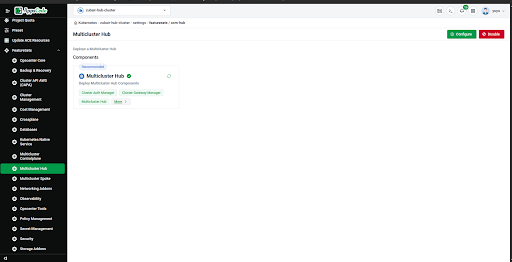
In the top right corner there will be enable button.
- Click in the enable button
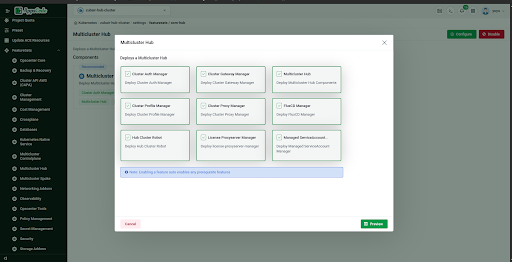
- Select all features ( will be auto-selected)
- Click Preview then Deploy
✅ Wait a bit Your Hub Cluster is ready