


Site Administration Dashboard
The Site Admin Dashboard gives administrators a high-level overview of the entire platform — users, organizations, and system activity.
Accessing the Dashboard
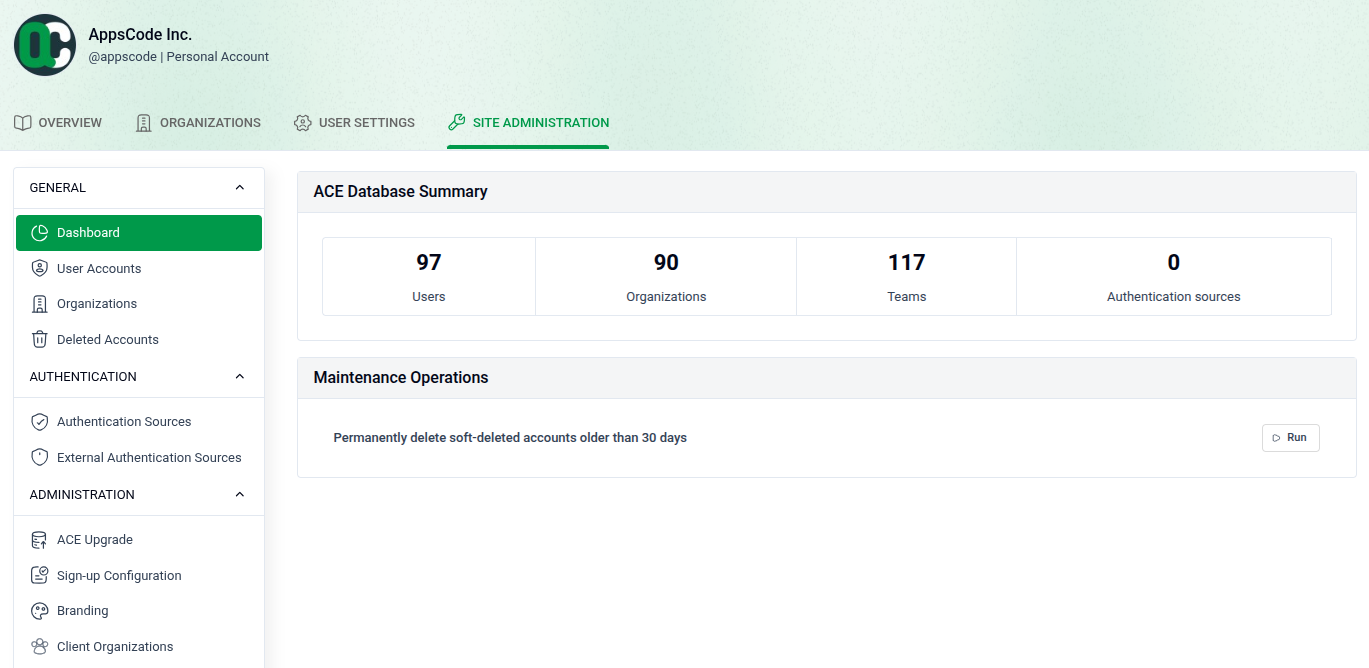
Navigate to SITE ADMINISTRATION > Dashboard from the top navigation bar.
- Users: View the total number of registered users on the platform.
- Organizations: See the total count of organizations created across the system.
- Recent Activity: Monitor the latest actions taken by users and admins.
- System Info: Review platform version and environment details at a glance.
Use this page as your starting point for platform-wide management and monitoring.