


Important Note
⚠️ Spoke users should NOT manage feature sets directly
- Feature updates must be handled from the Hub
- Hub must stay in sync
ClusterSets
ClusterSets group multiple clusters together.
Create ClusterSet
- Go to ClusterSets
- Click Add ClusterSet
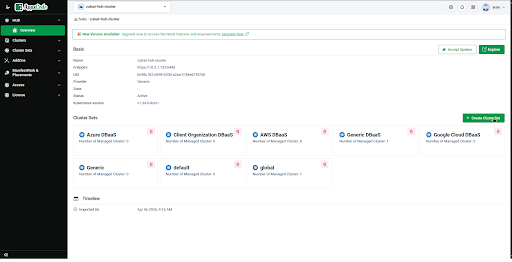
- Provide a name
Feature Sets
- Select any feature you want to change in all of your connected spokes
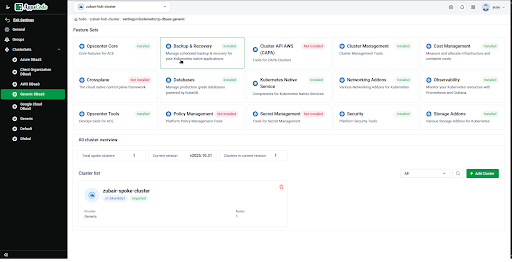
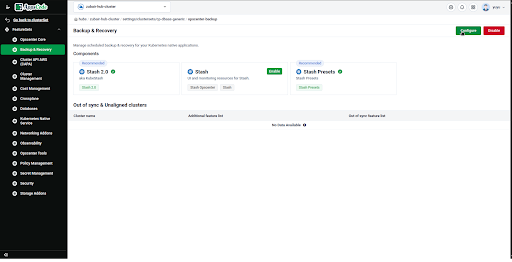
- Apply configurations across all clusters
- Centralized feature management
Unaligned and Out of sync cluster
Unaligned cluster: If any spoke cluster has extra features enabled than hub that's unaligned
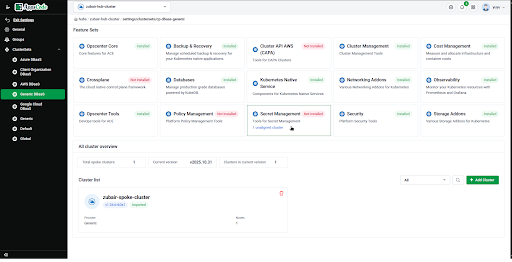
Like in the image secret management have 1 unaligned cluster
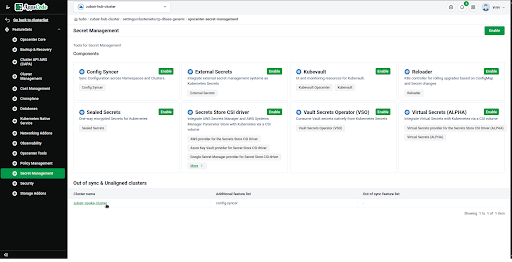
You can see config-syncer is enabled in spoke but not in hub
Similarly if any hub update does not get applied in spoke that becomes out of sync
Add Clusters
You can add cluster from another clusterset if you want
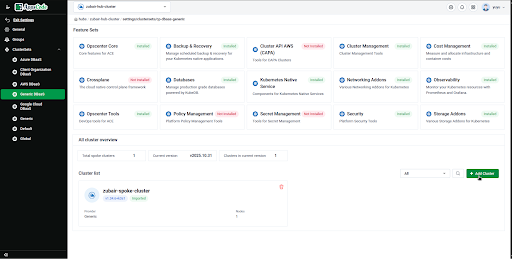
- Select cluster(s)
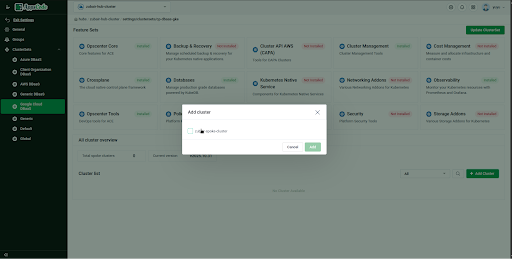
- Add to ClusterSet